
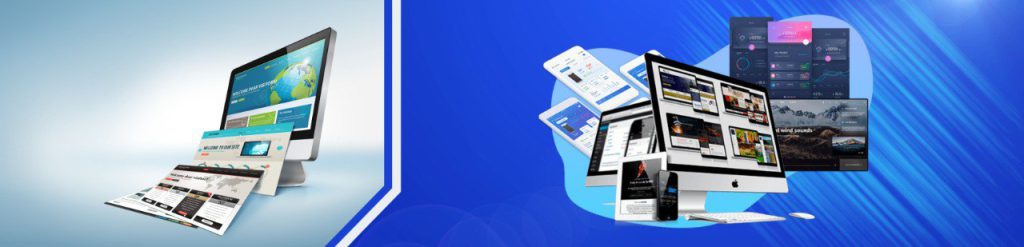
Website content design is the visual formatting of content using infographics, illustrations, icons, animations, video, and layout patterns — all to make information clearer and easier to consume. A friendly design doesn’t “sell by itself”, but it removes friction: people understand faster, trust more, and convert more often.
In practice, design is tightly connected to website performance and technical SEO. Even the best visuals won’t help if pages load slowly or break on mobile. That’s why many teams combine a design upgrade with infrastructure improvements: stable hosting, caching, and scalable resources via VPS hosting (or shared hosting for small sites). For custom stacks and performance control, Linux VPS is a typical base.
In today’s digital world, a website is the “face” of a business. Investing in a well-built design improves how users perceive your brand and how efficiently they move toward action.
A professional design builds trust by combining aesthetics, usability, and clarity. It also helps the visitor understand your value faster — and reduces “decision fatigue”. A few practical principles:
Search engines increasingly evaluate websites “as users do”: can people find what they want, understand it, and complete actions without frustration? Design influences several SEO-relevant factors:
Many redesigns fail because “pretty” becomes “heavy”: large images, unoptimized animations, too many scripts. Fix it by designing with performance in mind:
| Mistake | Why it’s harmful | Better approach |
|---|---|---|
| Unreadable text (low contrast, tiny fonts) | Users leave; can be treated as low-quality UX | Accessible contrast, 12–16px+ text, proper spacing |
| Broken links / empty pages | Bad UX + crawl waste | Fix 404s, remove “under construction”, audit links |
| Overloaded graphics and heavy animations | Slow pages, high bounce rate | Optimize assets, keep only meaningful visuals |
| Huge “endless” pages without structure | Poor relevance and readability | Split into sections/pages, use H2/H3, tables, TOC only if needed |
| Old tech patterns (frames/Flash) | Indexing and usability issues | Modern semantic layout and clean navigation |
| CSS tricks that mimic headings everywhere | Risky and misleading structure | Use real semantic headings and consistent hierarchy |

After a redesign, pages often become heavier. If you want stable speed and flexibility (caching, staging, custom configs), consider upgrading to VPS hosting on Cube-Host — or choose shared hosting for simpler projects.