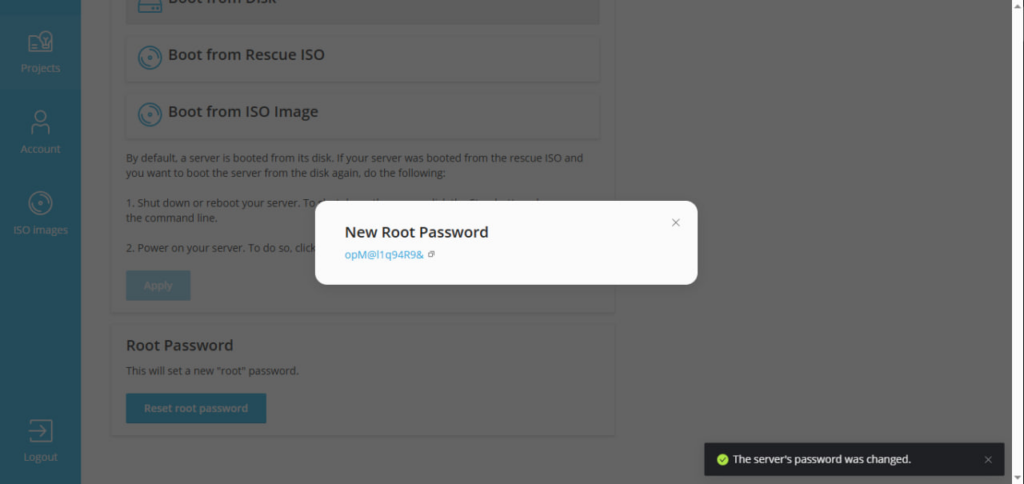
⚠️ Please note: the server will be automatically restarted during password reset.
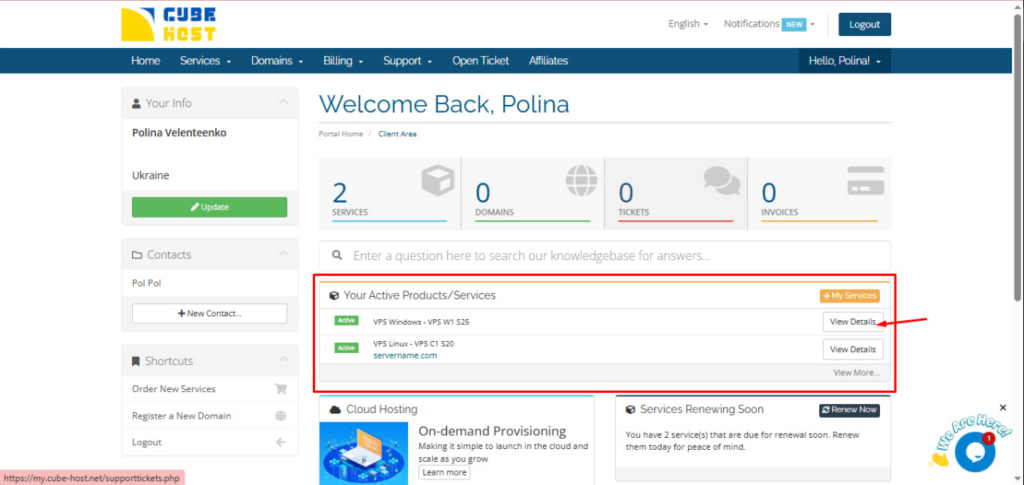
Log in to your personal Cube-Host account and under Your Active Products/Services, click View Details next to your Windows VPS.
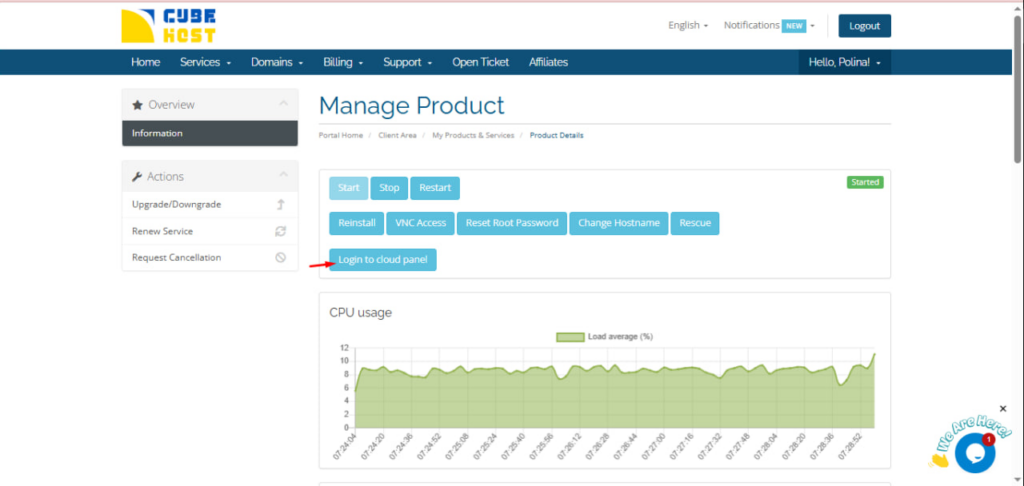
On the server management page, click Login to cloud panel.
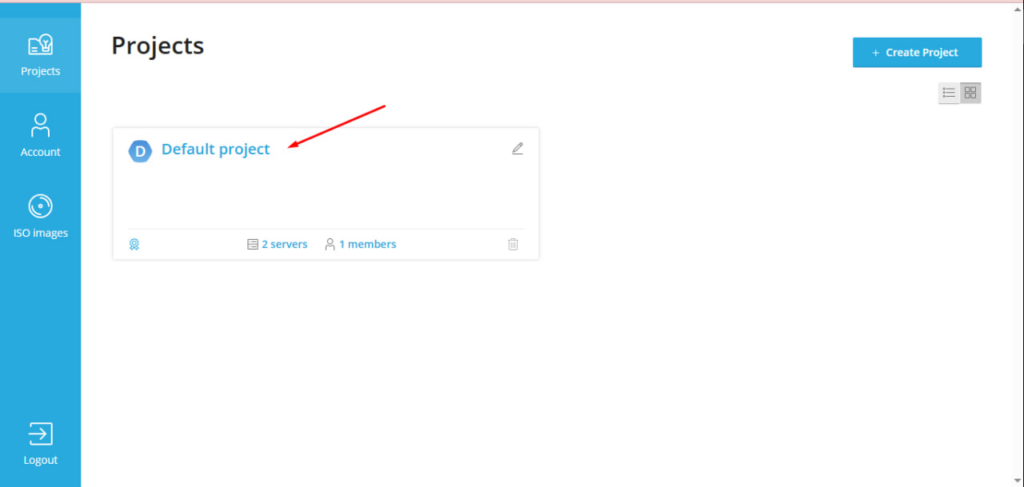
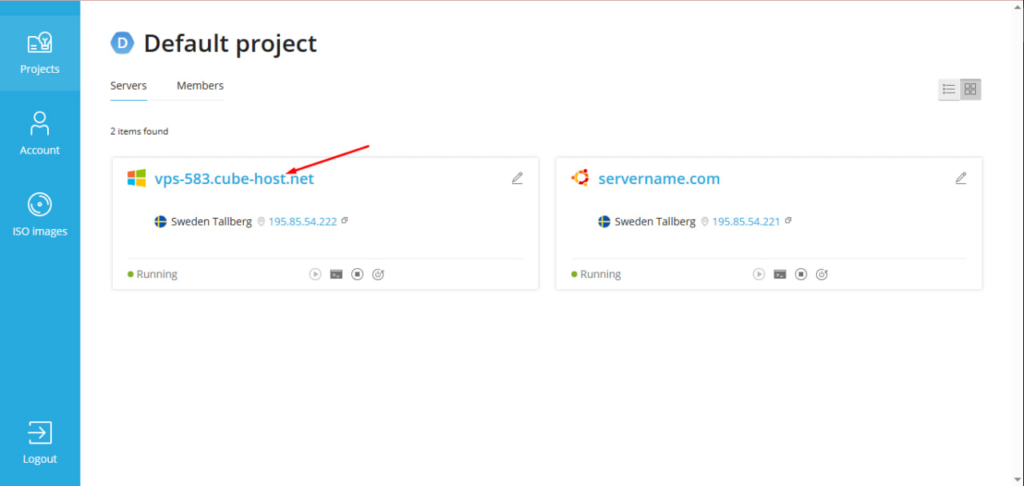
In the Projects section, select your project.
Then click on your server (for example, vps-583.cube-host.net).
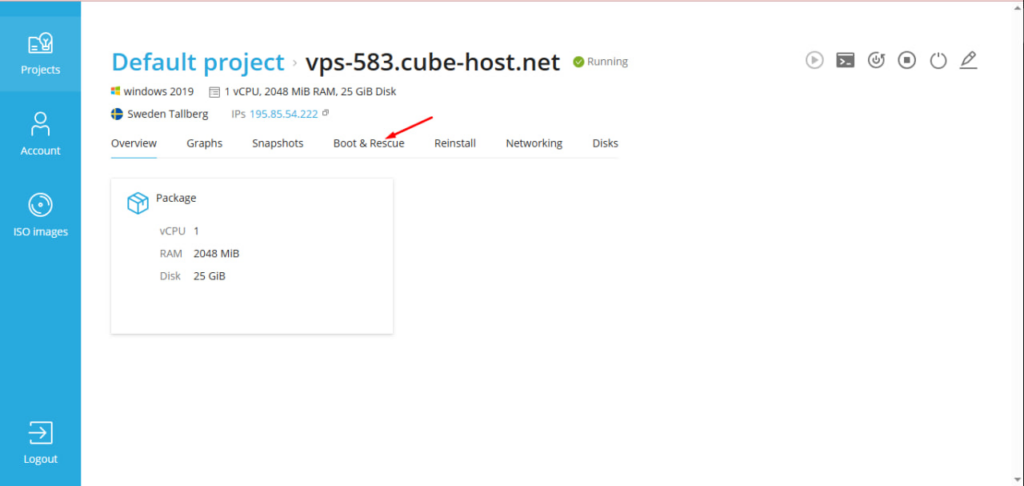
Open the Boot & Rescue tab
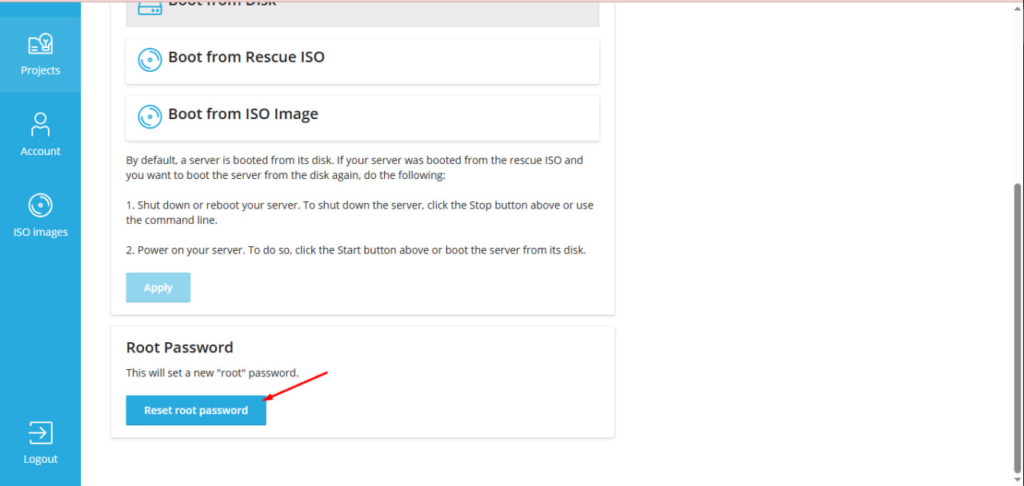
In the Root Password block, click Reset root password.
A confirmation dialog box will appear. Click Reset.
After the operation is complete, a window will appear with a new password.
Save this password.