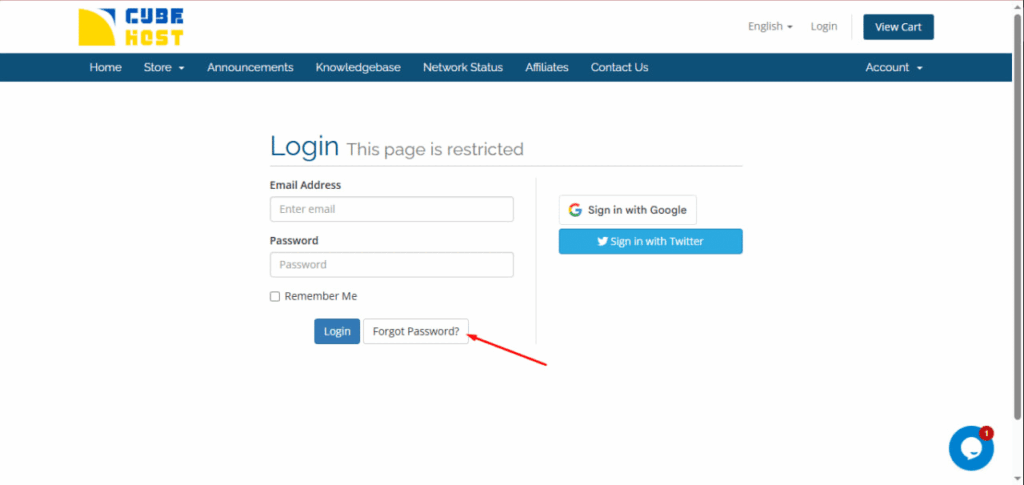
If you have forgotten your Cube-Host account password, you can recover it via the login page.
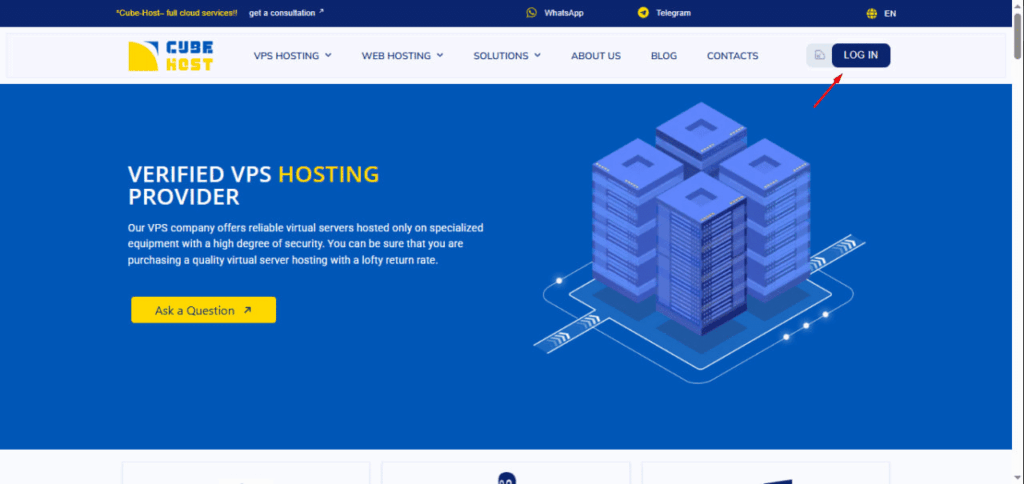
This will open the authorization page.
On the login page:
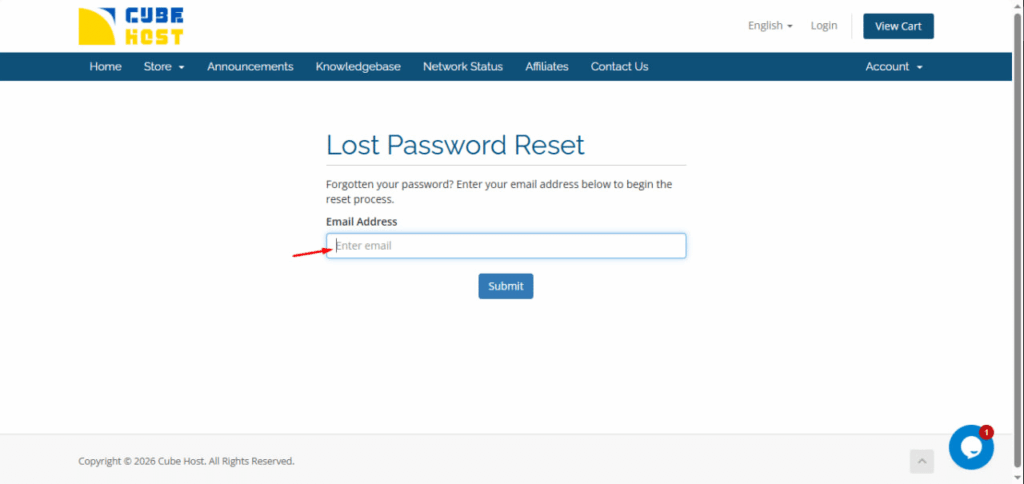
After submitting, a message will appear stating that the password reset request has been sent.
Step 4. Check your email
An email with the subject line “Password Reset Validation” will be sent to the email address you provided.
In the email:
⚠️ Please note: the email may not arrive immediately.
In some cases, delivery may take several minutes or longer, depending on the email service.
If you do not receive the email:
⚠️ For security reasons, the password reset link is valid for a limited time.









































