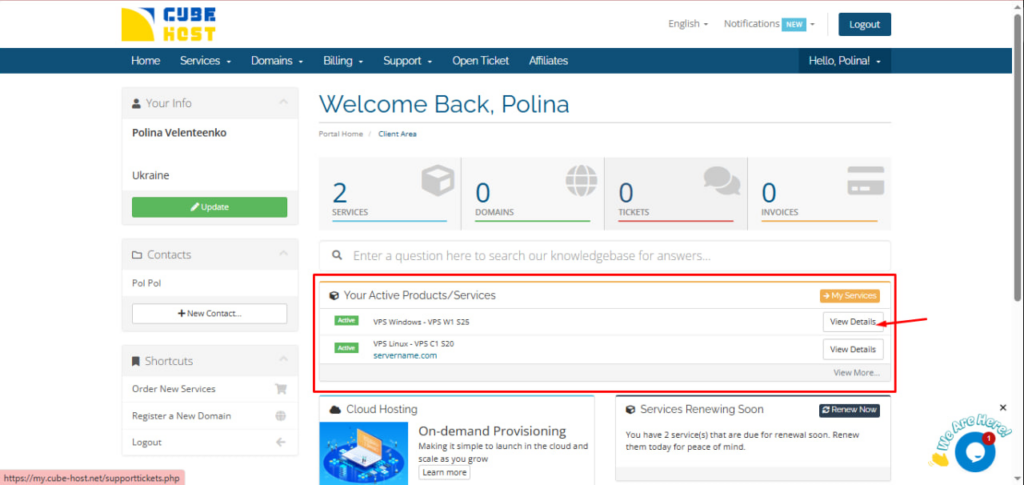
In your personal cabinet find the block: Your Active Products/Services
Select: Windows VPS – VPS W1 S25.
Click View Details.
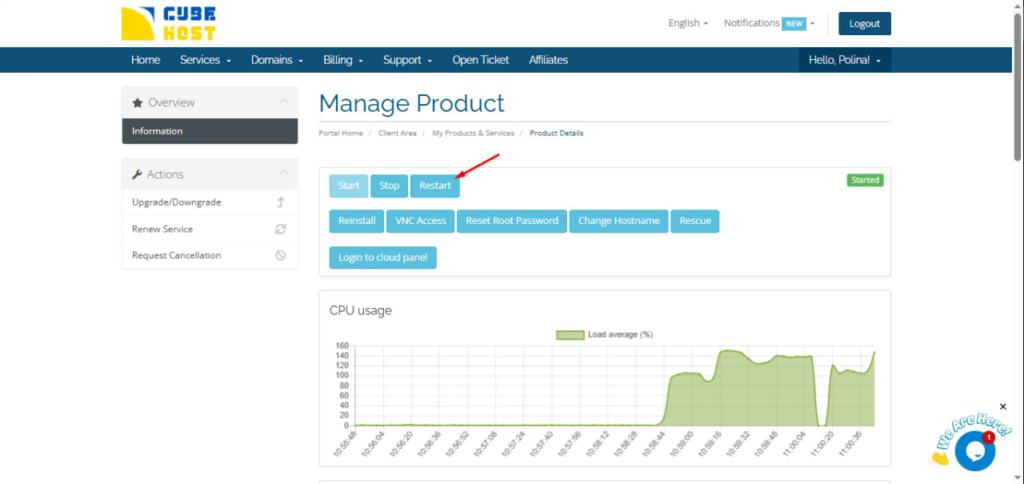
On the Manage Product page, find the server management buttons.
Click Restart.
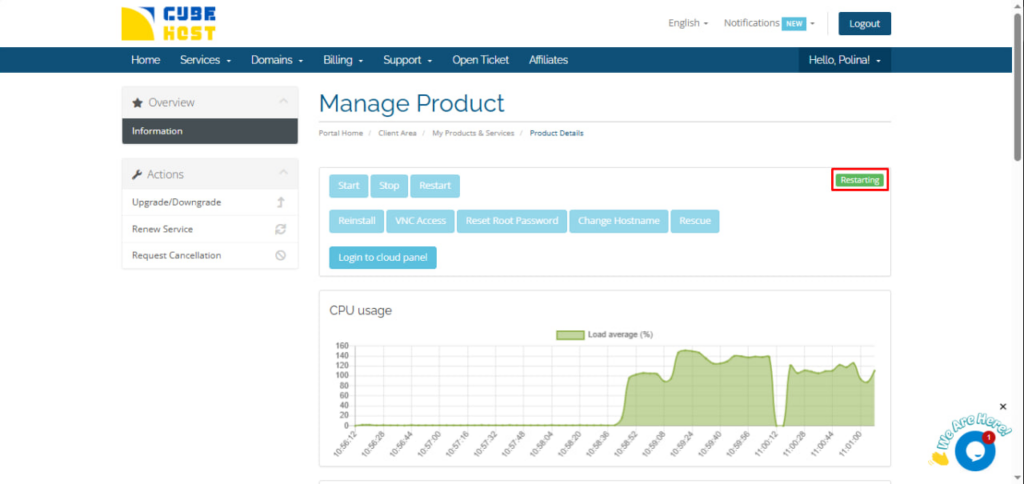
Once clicked, the server status will change to: Restarting
This means that the server is in the process of restarting.
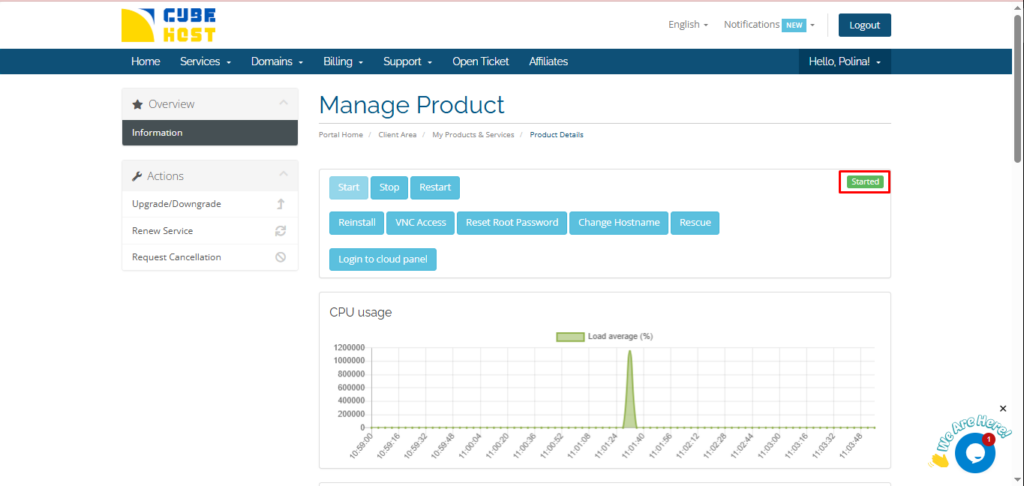
When the reboot is complete, the status will change again to: Started
After that, the server is ready to work and connect via RDP again.